Connect LinkedIn
Clicking Connect on LinkedIn first asks where to post: Your profile or Company page. Choose Your profile and the window shows two ways to post to it. A brand holds one LinkedIn profile and one company page, whichever way the profile was connected; see one account per network.
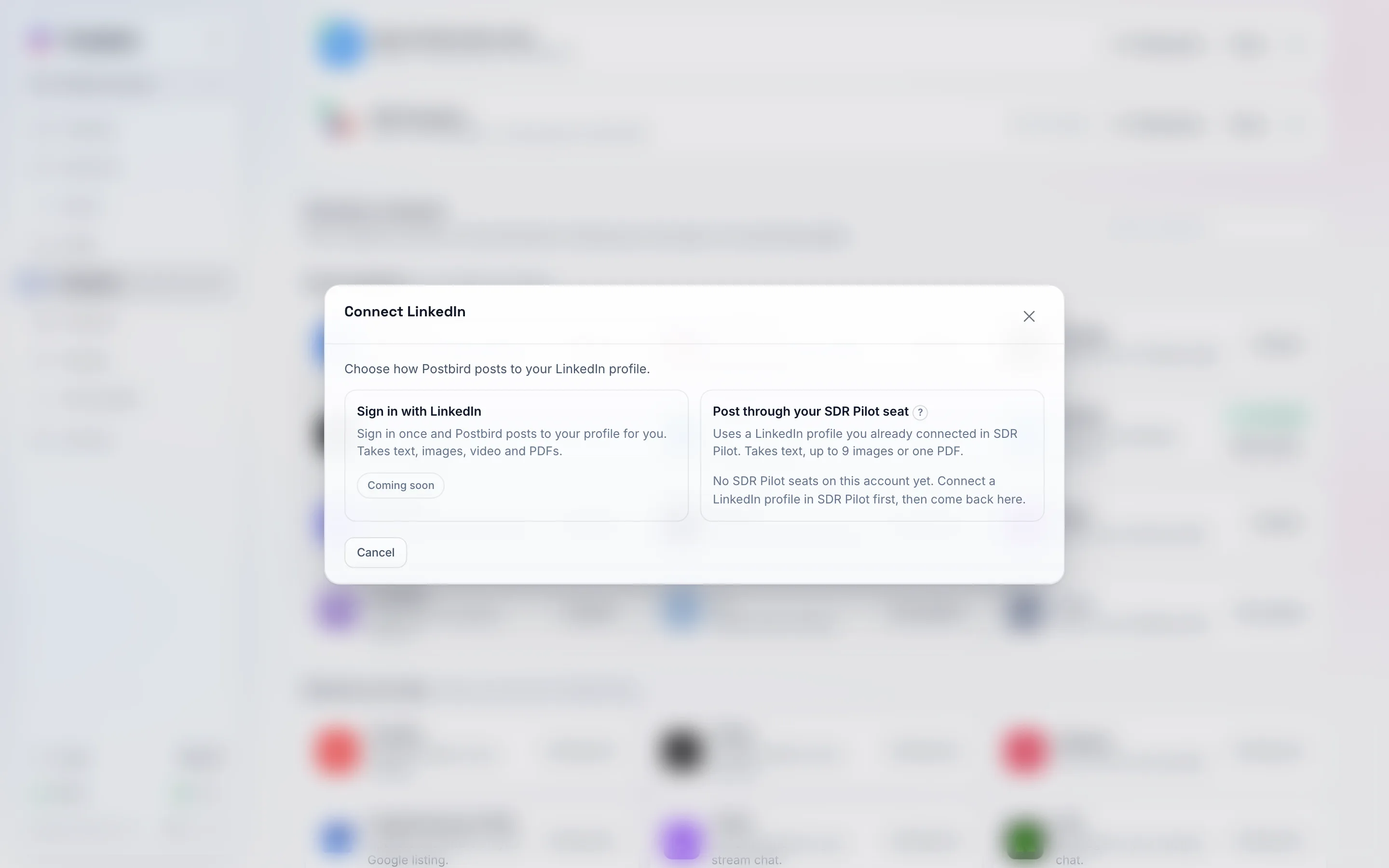
Connect LinkedIn: sign in with LinkedIn, or post through a profile you already connected in SDR Pilot.
Post through your SDR Pilot seat (available now)
A seat is a LinkedIn profile you already connected in SDR Pilot. Postbird hands each post to that seat and it goes out from the same profile, so you do not connect LinkedIn a second time.
- Make sure the profile is connected in SDR Pilot first. A seat that is disconnected there shows Disconnected in SDR Pilot, reconnect it there first.
- In Postbird, click Connect on LinkedIn, then Connect next to Your profile.
- Under Post through your SDR Pilot seat, click Use this seat next to the profile.
A seat post takes text with up to 9 images or one PDF. If the account has no seats yet, the panel says so; connect a LinkedIn profile in SDR Pilot, then come back.
Sign in with LinkedIn (coming soon)
Signing in straight with LinkedIn posts to your profile with text, images, video and PDFs. It shows Coming soon until LinkedIn approves Postbird. Until then, use an SDR Pilot seat.
Company page shows Coming soon in the same window: posting to a Page needs a separate approval from LinkedIn.